by Priya Nakamura Updated Apr 12, 2026
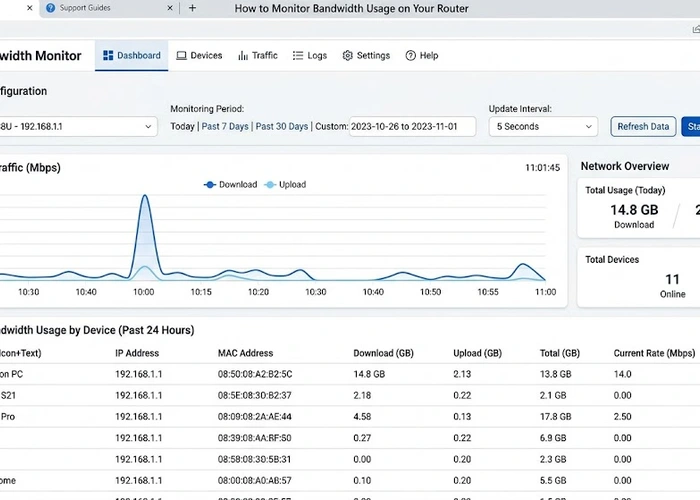
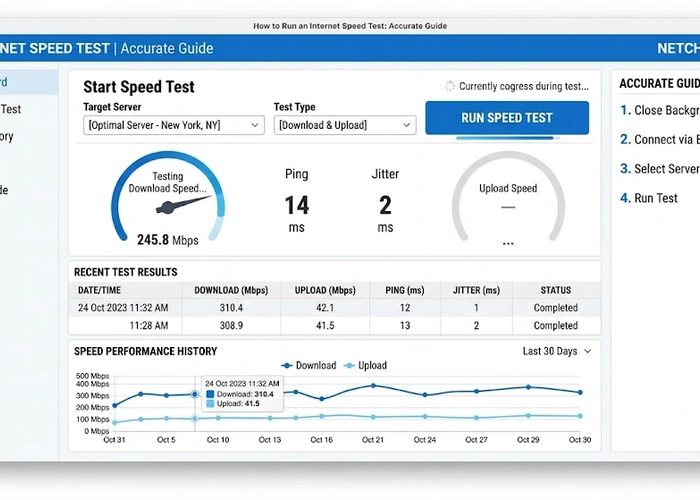
Test WiFi speed in every room to find dead zones and optimize router placement. This tool helps you diagnose, monitor, and optimize your network connection. For reference, see Speedtest by Ookla.
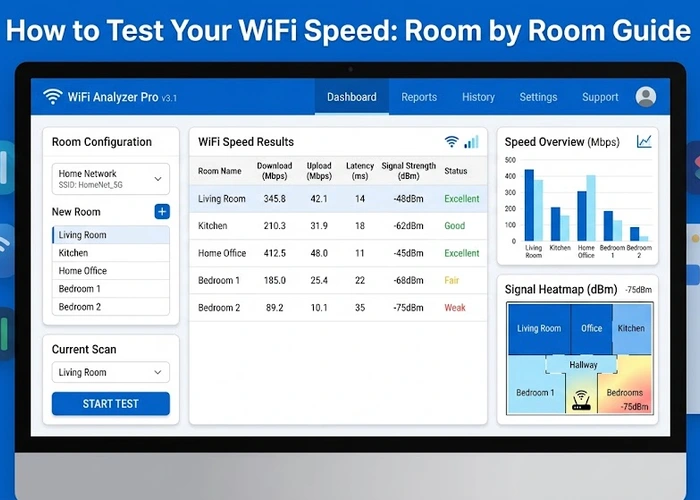

| Result | Good | Action Needed |
|---|---|---|
| Speed | Within 80% of plan speed | Fix slow WiFi |
| Latency | Under 50ms | Change WiFi channel |
| Packet Loss | 0% | Check cables, restart router |
Pro Tip: Always test with Ethernet first to establish your baseline speed before troubleshooting WiFi performance.
Key Takeaways
Online tools provide a good estimate but results can vary based on server location and network conditions. Run multiple tests for best accuracy.
Test monthly or whenever you notice performance issues. It helps establish a baseline for your connection.
Start by restarting your router, then check our slow WiFi troubleshooting guide.
 |
 |
 |
 |

About Priya Nakamura
Priya is a telecommunications engineer and networking educator at RouterHax. With a background in ISP infrastructure and a Master's in Computer Networks, she explains complex networking concepts in plain English. Priya covers WiFi standards, protocols, IP addressing, and network architecture.
Promotion for FREE Gifts. Moreover, Free Items here. Disable Ad Blocker to get them all.
Once done, hit any button as below
|
|
|
|