
Network problems rarely announce themselves with helpful error messages. More often, you're left guessing — is the connection slow, the DNS broken, a port blocked, or the WiFi channel simply overcrowded? The right diagnostic tool cuts through that guesswork in seconds. This category covers 90 guides across every essential network utility, from quick connectivity checks to deeper infrastructure analysis, each written to help you not just run a test but actually understand what the results mean.
These guides span the full range of network diagnostic and planning utilities that home users, IT professionals, and network enthusiasts reach for most. You'll find step-by-step walkthroughs for:
Running a test is the easy part. Knowing what to do with a 340 ms ping, an unexpected DNS response, or a crowded WiFi channel is where most guides fall short. Every article in this category goes beyond the steps to explain the thresholds that matter, the red flags worth investigating, and the router or network settings you can adjust in response. Whether you're troubleshooting a sluggish connection, planning a small office network, or simply trying to understand how your ISP's infrastructure behaves, these guides give you the vocabulary and context to interpret what you find.
Pick a guide below to get started.
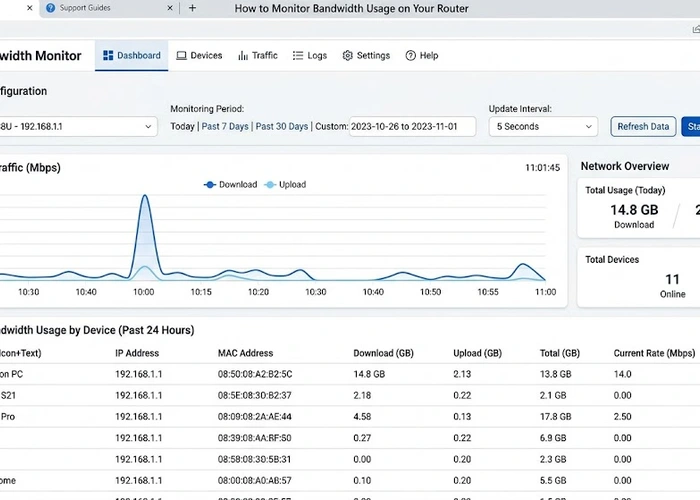
Monitor bandwidth usage on your router to see exactly which devices and apps are consuming your internet — and take control before hitting data caps or slowdowns [read more]

Run an ethernet speed test to verify your wired connection hits its promised speeds — and pinpoint whether your router, ISP, or cable is to blame [read more]

Learn how to run a WiFi speed test and understand what download speed, upload speed, ping, and jitter mean. Know when your ISP is underdelivering. [read more]
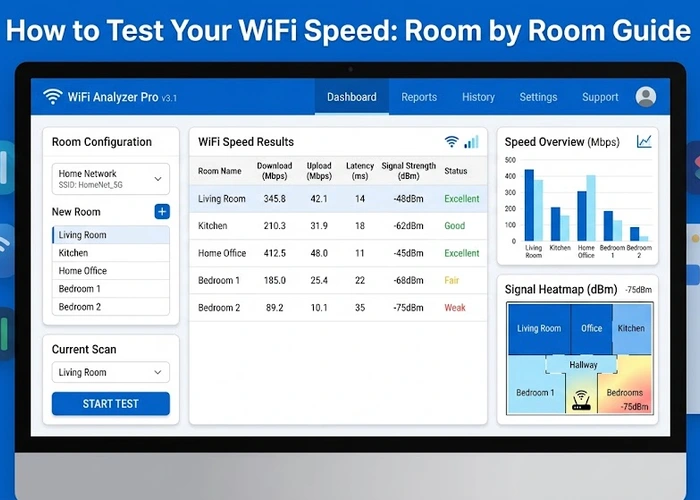
Test your WiFi speed room by room to pinpoint exactly where your signal drops — and finally fix dead zones, buffering, and dropped calls for good [read more]

Your ISP speed test may be misleading you — discover why these tests are often optimized to show favorable results and how to verify your true internet speeds [read more]

Discover if your ISP is throttling your speed with simple tests that reveal deliberate slowdowns and help you decide your next move [read more]

Discover the best network mapping tools to visualize your home network, spot unknown devices, and uncover security risks with a clear, instant snapshot [read more]

Router logs reveal every connection attempt, DNS query, and suspicious packet on your network — discover what to look for to catch threats before they become breaches [read more]

Monitor router uptime and connectivity with tools and techniques that catch issues early, reduce downtime, and give you proof when your ISP is to blame [read more]

Set up your UniFi Network Controller with confidence — this beginner guide walks you through every step to get professional-grade network management up and running fast [read more]
Search
Popular Tools
Browse Guides
Promotion for FREE Gifts. Moreover, Free Items here. Disable Ad Blocker to get them all.
Once done, hit any button as below
 |
 |
 |
 |